- Kenmore refrigerator water filters
- Whirlpool refrigerator water filters
- Samsung refrigerator water filters
- GE refrigerator water filters
- LG refrigerator water filters
- Frigidaire refrigerator water filters
- KitchenAid refrigerator water filters
- Maytag refrigerator water filters
- Kenmore Elite refrigerator water filters
- Estate refrigerator water filters
- GE Profile refrigerator water filters
- Amana refrigerator water filters
- Bosch refrigerator water filters
- Dacor refrigerator water filters
- Electrolux refrigerator water filters
Top DIY repair help
View All Repair Categories
Appliances
Lawn & Garden
Power Tools
Home Improvement
Sports & Leisure
Heating & Cooling
Quick Links
How to replace an elliptical console
less than a minute readMar 11Lyle Weischwill
Repair time and Difficulty
15 minutes or less
Tools Required
- Work gloves
- Phillips screwdriver
This DIY repair guide explains how to replace the console on an elliptical. The console displays workout information such as elapsed time, distance traveled, estimated calories burned, current speed and pulse rate. If the console won't turn on or if the display is dim, check the batteries first and replace if needed. If the console still won't work, replace the console with the manufacturer-approved elliptical machine part.
Use this repair guide and video to replace the console on ProForm, Weslo, Image, Lifestyler and NordicTrack elliptical exercisers.
Instructions
- 1. Remove the console
Remove the mounting screws from the console bottom.
Pull the console up and disconnect the wires.
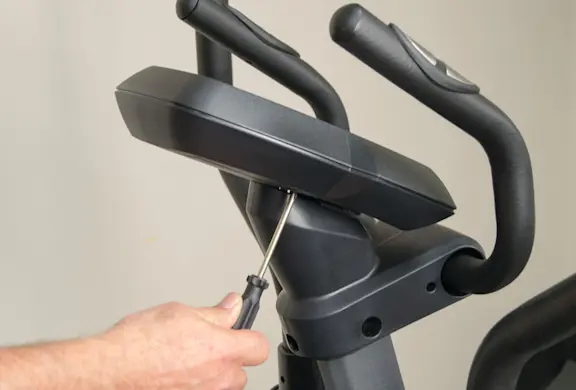
PHOTO: Remove the mounting screws. 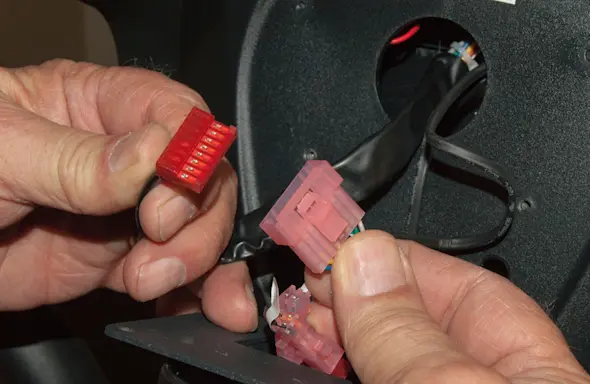
PHOTO: Disconnect the console wires.
- 2. Install the new console
Connect the wires to the new console.
Position the console on the upright and install the mounting screws.
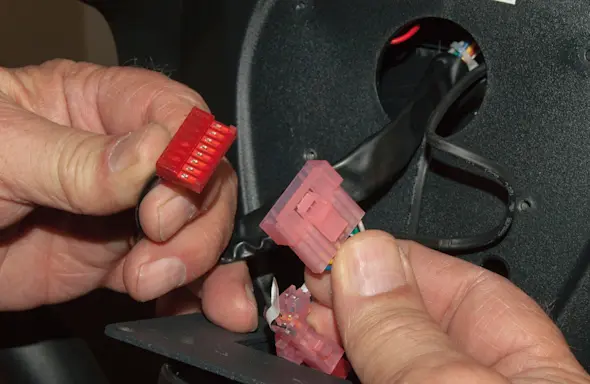
PHOTO: Connect the console wires. 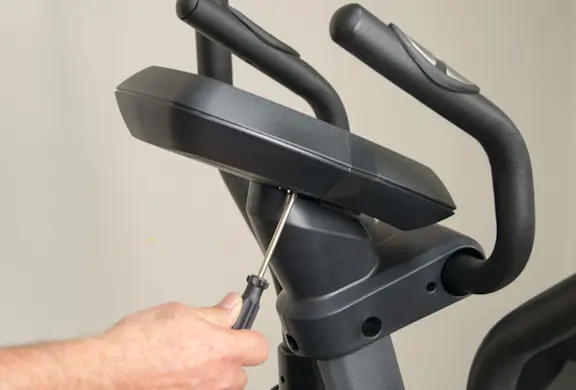
PHOTO: Reinstall the mounting screws.
- 3. Install batteries
Remove the battery cover.
Insert batteries into the console.
Reinstall the battery cover.
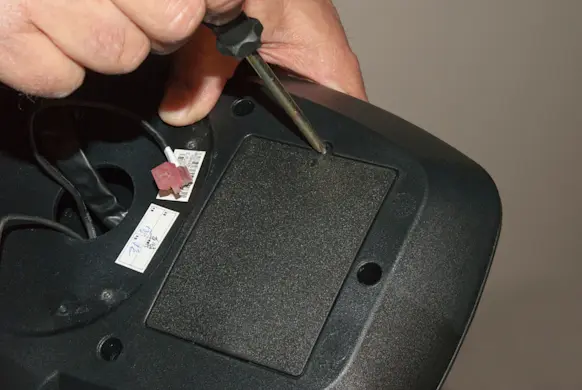
PHOTO: Remove the battery cover. 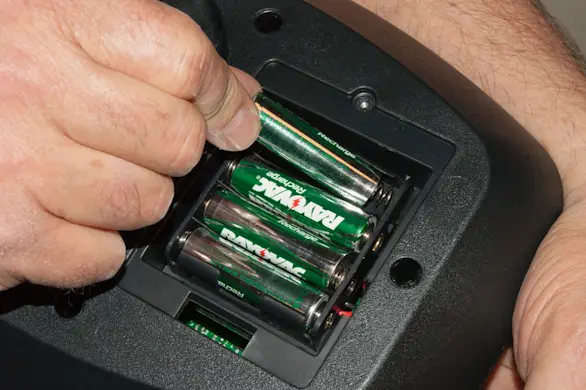
PHOTO: Insert the batteries. 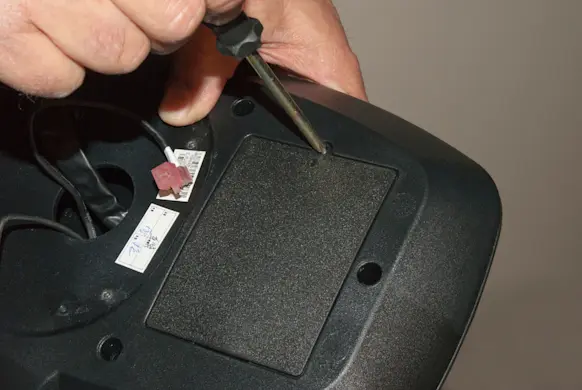
PHOTO: Reinstall the battery cover.